
NETFLIX.COM 4487$17.99
Spotify USA 8113$11.99
NOTION LABS 2210$10.00
Every charge that repeats
Matched through the reference numbers banks bolt on.
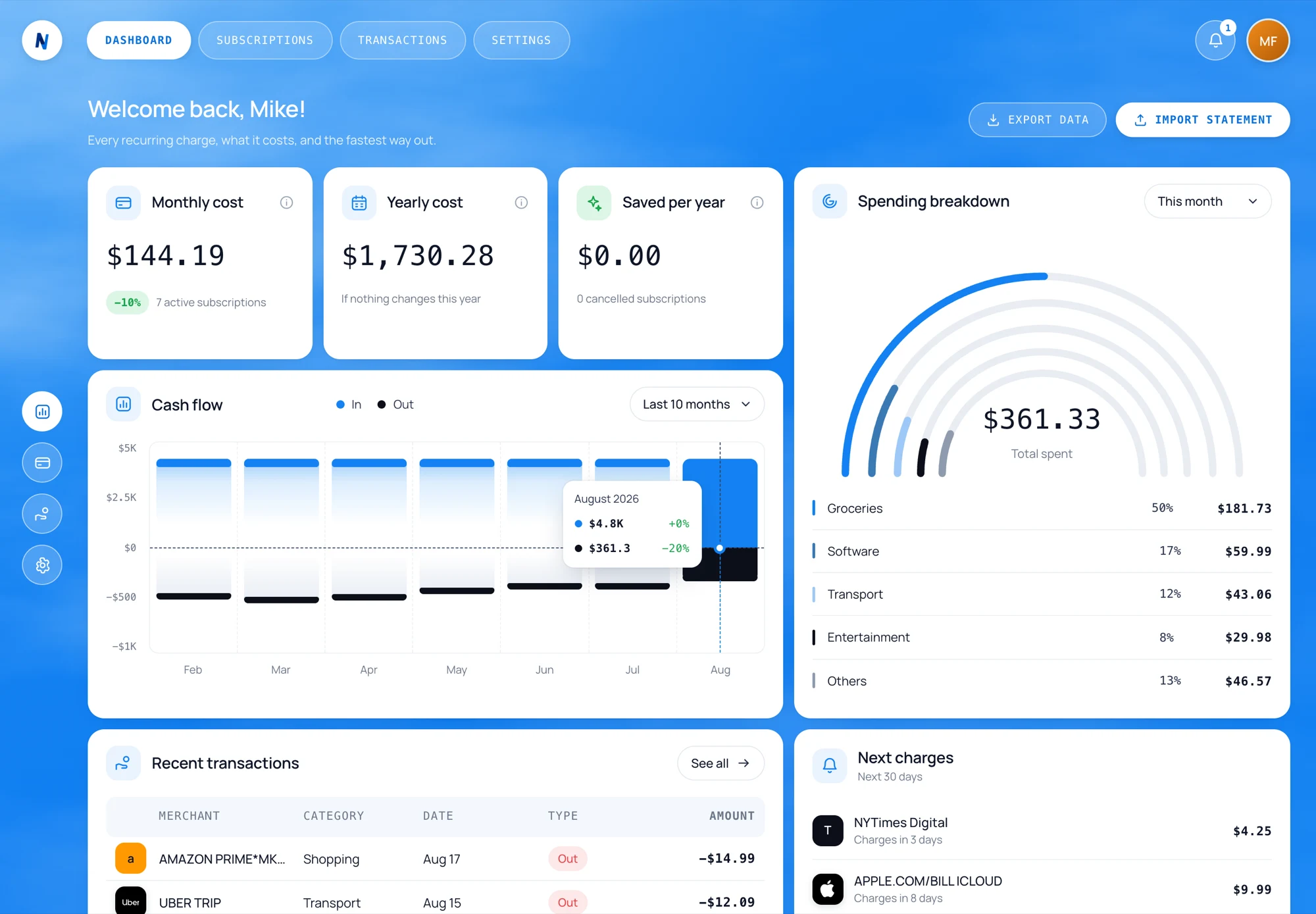
Import one statement. See every charge that repeats — and how to stop it.
Recognised by name, not by guessing
Read from your own rows. Nothing estimated.
Matched through the reference numbers banks bolt on.
Measured against the first charge, not the last one.
A verified cancellation page, and the saving counted.
Nothing leaves your account. Read the privacy notice.
No. You export a statement yourself — CSV, XLS or XLSX. No bank login, no open-banking consent, no third party holding a token to your account.
Only you. Every row is written against your own account with owner-level access policies, and Settings deletes all of it in one press.
NayPal finds the header row wherever it is and reads the columns by name or by what is in them, skipping rows it cannot parse instead of refusing the file. If it is still unsure, it shows you the sheet and asks.
It takes you to the right page and remembers where you are up to. The cancellation itself is between you and the merchant, so NayPal asks you to confirm once it is done.
Nothing. NayPal is free while it is in beta — no card, and no trial that turns into a charge, which would be a strange thing for this product to do.